Hey everyone! I'm genuinely excited to share my thoughts on the Torso S4 2.0 update. This little black box has been all I need to make my ambient tracks, and honestly, this update just turned it into something completely different - in the best possible way.
But before I dive into the new features that have me so excited, let me address the elephant in the room: the fixes.
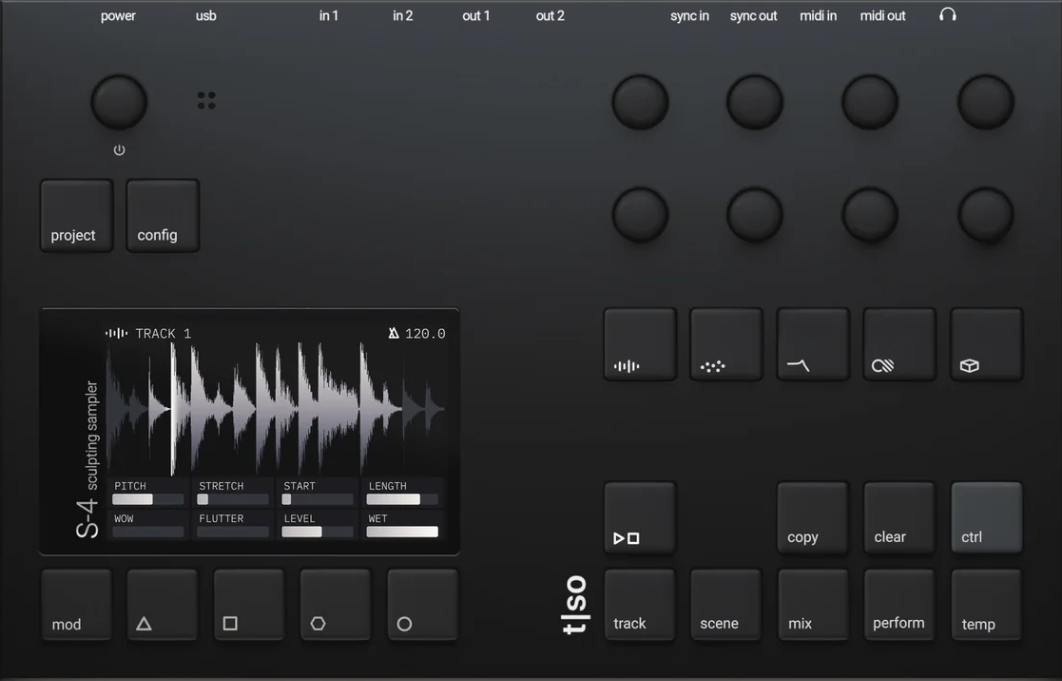
The Fixes That Matter Most: If you’ve been following the S4’s journey, you know it launched with some frustrating issues. But I’m happy to report that OS 2.0 addresses the major problems that were holding this device back:
Saving and loading projects is fixed. I tested it extensively, and everything works how it should. No more lost work or corruption issues.
Performance optimizations mean way fewer crashes. I haven’t had a single crash since updating, which is a massive improvement from the early firmware versions.
File transfer issues are resolved, button double-press problems are fixed, CC parameter locking works properly, and global tempo reset on new projects is also sorted. but I have to say I didn’t get it running on my Windows PC but on mac it was working, but this can also be an user problem and not the update to be honest with you. [I run some strange scripts on my system.]
These weren't just minor annoyances - they were real workflow killers. Getting these fundamentals right was crucial, and I'm relieved Torso prioritized stability.
Performance Mode: Global Macros That Actually Make Sense: Now let's talk about what has me most excited: Performance Mode. This is where the S4 transforms from an interesting granular sampler into a proper performance instrument.
You get eight macros that can be set to bipolar or unipolar, and mapping them is incredibly intuitive. Hold Performance and Control, choose your macro button, then adjust whatever parameters you want that macro to control.
Here's what makes it powerful: when you hold a performance button, it makes all those mapped changes instantly. I mapped one macro to completely transform my drum elements - reducing wetness, adding more compression, removing delay to make them snappier. Another macro adds massive reverb and noise to melodic elements while simultaneously affecting the drums.
The result? You can have dramatic transitions happening with single button presses. It's perfect for live performance or just adding movement to your arrangements while jamming.
Scene Mode: 128 Snapshots of Pure Creative Freedom: Scene Mode might be even more game-changing for my workflow. Think of it as an incredibly deep preset system, but for entire machine states rather than just individual sounds.
You can copy a scene, paste it to a new slot, then completely transform everything - different modulation, filter sweeps, even swapping samples.
Each scene remembers the full status of all machines, and you get 128 scenes per project.
But here's where it gets really interesting: you can chain scenes together with quantized switching. Set it to straight quantization on a 4-to-1 grid, add some randomness, and the S4 starts creating arrangements by itself. It's like having an intelligent assistant that knows exactly when to switch between your carefully crafted states.
The higher you set the quantization, the more it becomes like a modulation source itself - constantly jumping between different versions of your sound. Combined with Performance Mode, you're looking at incredible real-time control over your entire track.
Temp Mode: The Undo Button: Temp Mode is beautifully simple but incredibly useful. Hold the temp button (or double-tap), make whatever crazy changes you want, and when you release it, everything snaps back to where it was.
This is perfect for those moments when you're performing and want to go completely wild without losing your carefully crafted settings. It gives you the confidence to experiment knowing you can always return to your starting point instantly.
Unlimited Sample Length with External Storage: One of the most practical improvements: you can now plug in external hard drives and USB sticks via USB-C for unlimited sample lengths. If you have hour-long field recordings or extended ambient textures, you can now stream them directly without worrying about internal storage limitations.
The new Disc playback device streams audio directly from storage, which opens up completely new creative possibilities for long-form ambient work.
New Tape Modes and Enhanced Audio Engine: The audio engine got some serious improvements:
Bypass mode now works properly for routing external audio through the effects chain - turning the S4 into a powerful multi-effects processor.
Tape mode includes proper pitch shifting and tempo handling, just like classic tape machines.
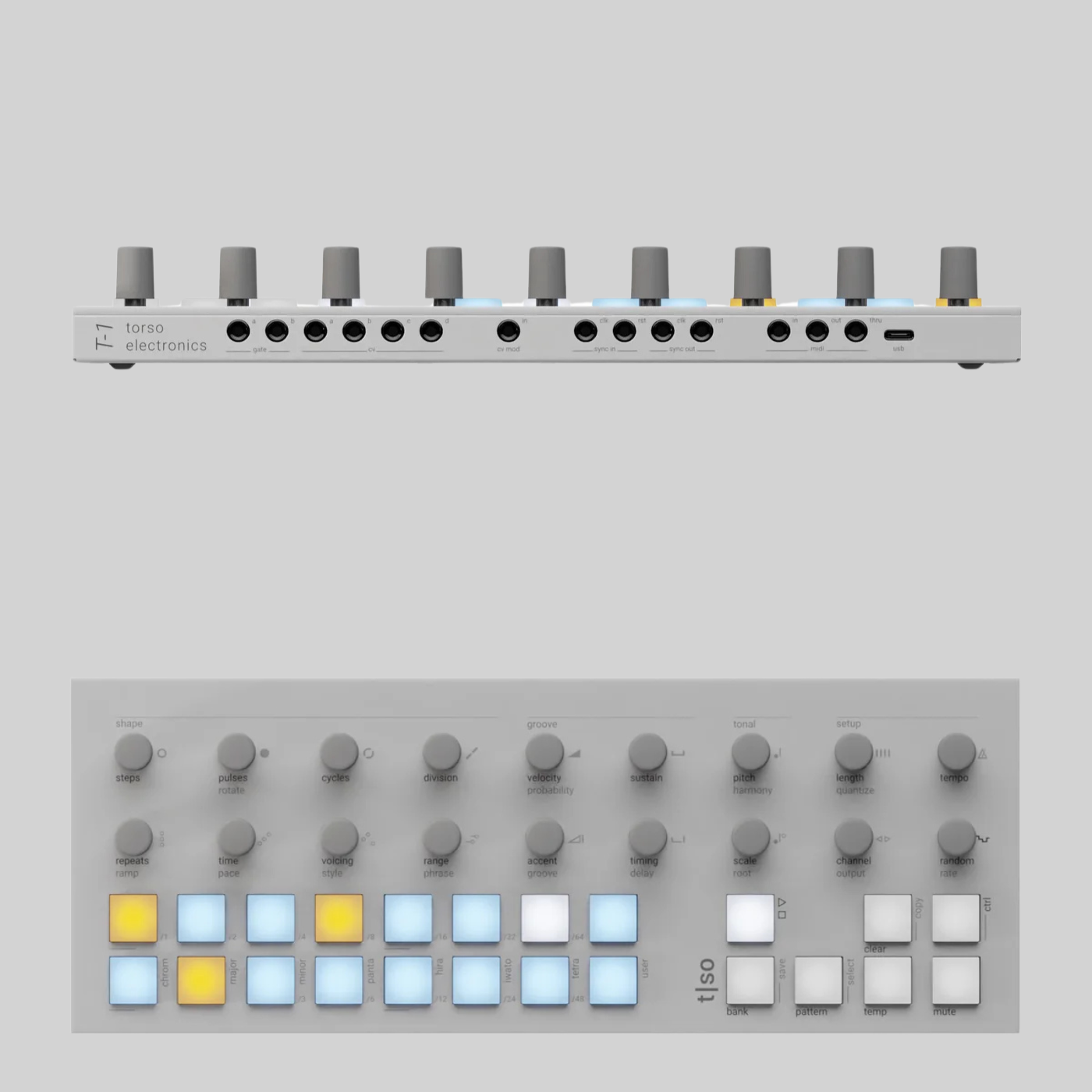
Poly mode makes it easy to sequence the S4 from external hardware. I've been using my Torso T1 to sequence it, and the combination is incredibly musical.
The Follow Modulation Source: Envelope Follower Magic: The new Follow modulator is an envelope follower that can track any input - individual inputs, track inputs, or the full mix. This opens up incredible side-chaining possibilities.
Want your filter to react to your kick drum? Route the kick to the Follow modulator and map it to your filter cutoff. The S4 creates natural, musical movement that stays locked to your rhythm without needing complex external routing.
Small But Important Improvements
Some smaller changes that make a big difference in daily use:
-
Stop/play buttons instead of just mute buttons - they wait for the next quantized beat before engaging, which is perfect for rhythmic material
-
Visual modulation indicators in the GUI - you can see when parameters are being modulated right in the menus
-
Improved microphone quality for sampling on the go
-
Enhanced filter modes with sustain and choke options
-
Better delay spread modes including phase shift, ping pong, and diffusion
-
Feedback up to 200% for those wild dub-style delays
Master Recording: Capture Your Happy Accidents: One feature I absolutely love: you can record the master output by holding Control + Play. Perfect for those moments when you stumble onto something magical and don't want to lose it.
This is essential for the way I work with ambient music - sometimes the best ideas come from happy accidents during live manipulation.
Why This Update Changes Everything: The S4 was always interesting, but OS 2.0 makes it feel like a complete instrument. Those three buttons that previously said "Coming Soon" now unlock the device's full potential.
For ambient production, this thing is now exactly what I was looking for. The Scene Mode alone lets me create full arrangements and finished tracks entirely within the S4. Combined with Performance Mode for real-time control and the new modulation options, it's become the centerpiece of my ambient setup.
If you were on the fence about the S4 because of the early firmware issues, give it another look. The device Torso promised at launch has finally arrived, and it's genuinely special.
The combination of tape-era workflow with modern granular processing, all wrapped in an interface that encourages experimentation rather than menu-diving, makes this unlike anything else out there.
Is It Worth It Now? At €899, the S4 isn't cheap. But for what it does - combining granular sampling, live effects processing, multitrack recording, and performance capabilities in such a compact, well-designed package - I think it's totally justified.
This update transforms the S4 from an interesting but incomplete device into something that could genuinely be the center of your creative workflow. For anyone working in ambient, experimental electronic music, or sound design, it's now a serious contender.
The device is finally complete, and I couldn't be happier about it.
Want to hear how I'm using the S4 in my ambient productions? Check out my latest album on Bandcamp [Viva El Amor] where I only use the S4.
Thanks for reading enjoy your evening\day.
MORDIO