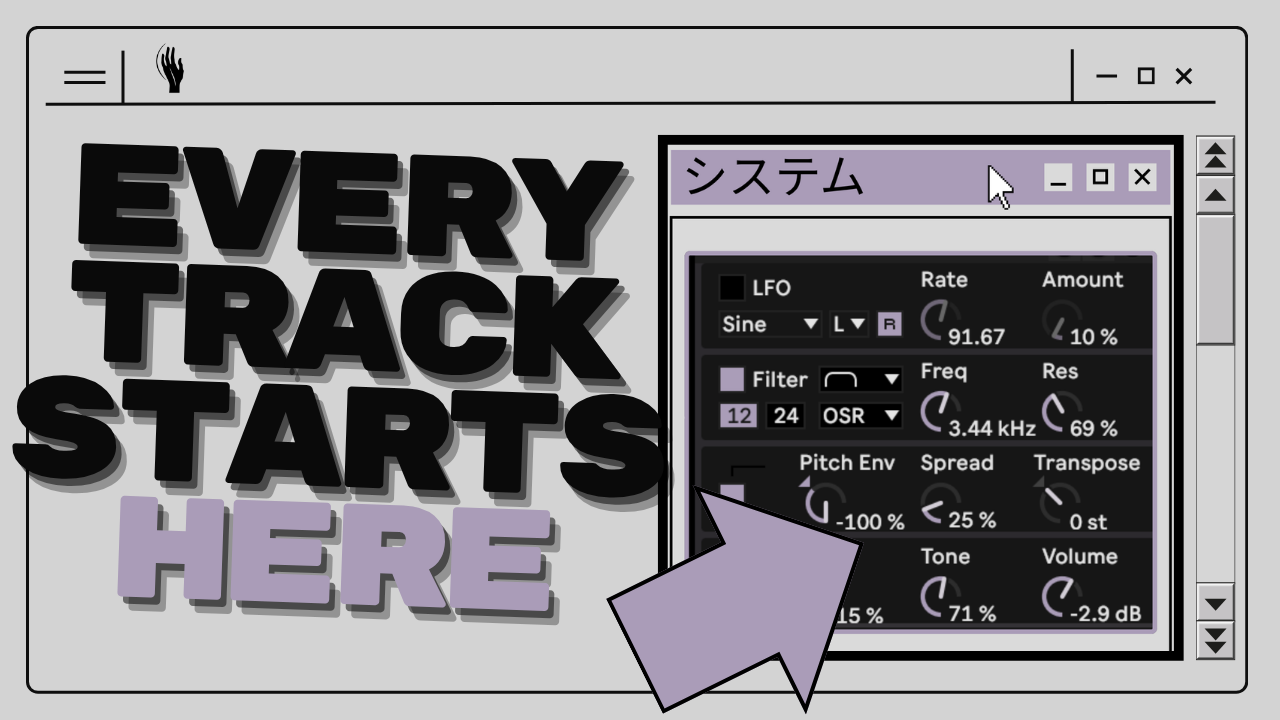
I stopped starting tracks from scratch a while ago. Most of the time I want the same kind of aesthetic in my techno, so rebuilding the same foundation every session is wasted energy. Instead I built myself a template that already runs, and I keep bending it into new tracks. That template is now Running System III, and this post is the text version of how I actually use it.
One Session, Everything Operator
When you open the session, you get the full structure I work in: drums with separate percussion layers, low end, a hypnotic sequence channel, FX and background sounds with a convolution space behind them.
The part I care about most: every sound is built in Operator. Even the kick is two Operators, one for the click, one for the body. The baselines, the percussion, the hypnotic sound, the FX, all of it. That was a deliberate decision, and it is also a bit of proof that you do not need expensive plugins. They are the cherry on top, not the foundation. Click any channel, open the patch, and you can see exactly how the sound and its effect chain work. It is a template and an open sound design study at the same time.
This is the same idea I started with in [[Running System II]], rebuilt from the ground up in Live 12.
The Clips Are Starting Points, Not the Track
The session comes with clips ready to play. Press play and techno is already happening. But the idea is not to keep them. Go inside, edit them, cut them out completely and write your own. Play the rows, drop the bass row, bring it back. Map the macros to your favorite knobs on a MIDI controller and the whole thing becomes an instrument.
New Triggers, New Track
Here is where it gets fun for me. I like to cut the included patterns entirely and run the channels from an external sequencer, in my case the Torso T-1. Different trigger signals, completely different groove, and suddenly it does not sound like the track before at all. Then I go into the Operator on each channel, change a few things, swap some effects, and the track is basically done.
When a jam works, I record it into the arrangement view. Everything lands as MIDI, so I keep the structure forever and can still change every note later. From there I layer extras on top. In my current session that is a handful of sample channels and some textures I recorded through [[Tape Fiasco]].
Where Plugins Actually Enter
To be honest about my own sessions: I swap the kick. I prefer PunchBox with a 909 and some filtering, which is also why I care so much about [[how a kick sits in the mix]]. I cannot ship PunchBox in a pack, so the template kick is an Operator, and it absolutely does the work. Same with sound design: start with the included patch, then layer a delay or a filter behind it when you want more. The system carries the track. Plugins are seasoning.
Get It
Running System III is available now for 29.99 EUR. Everything is included in Live Suite, no third-party plugins, nothing else to install.
Get Running System III in the shop
I built this for myself, and now I am sharing it. Every sale goes directly into my little family here. Thank you for that, genuinely. The video below shows the whole thing running.