~ $ cat signals/sting-plugin-session-with-iftah.md
Signals
14 Years of Code, Zero AI: The New Sting With Iftah
Iftah is back in my studio. The last time we jammed, Sting was a Max for Live device and I was using it the same way I always do: random triggers, a bass line, commit to audio, done. Since then it turned into a plugin that runs in any DAW, and I did not open it once before he arrived. I wanted him to show me how he uses it, so I don't fall straight back into my old workflow.
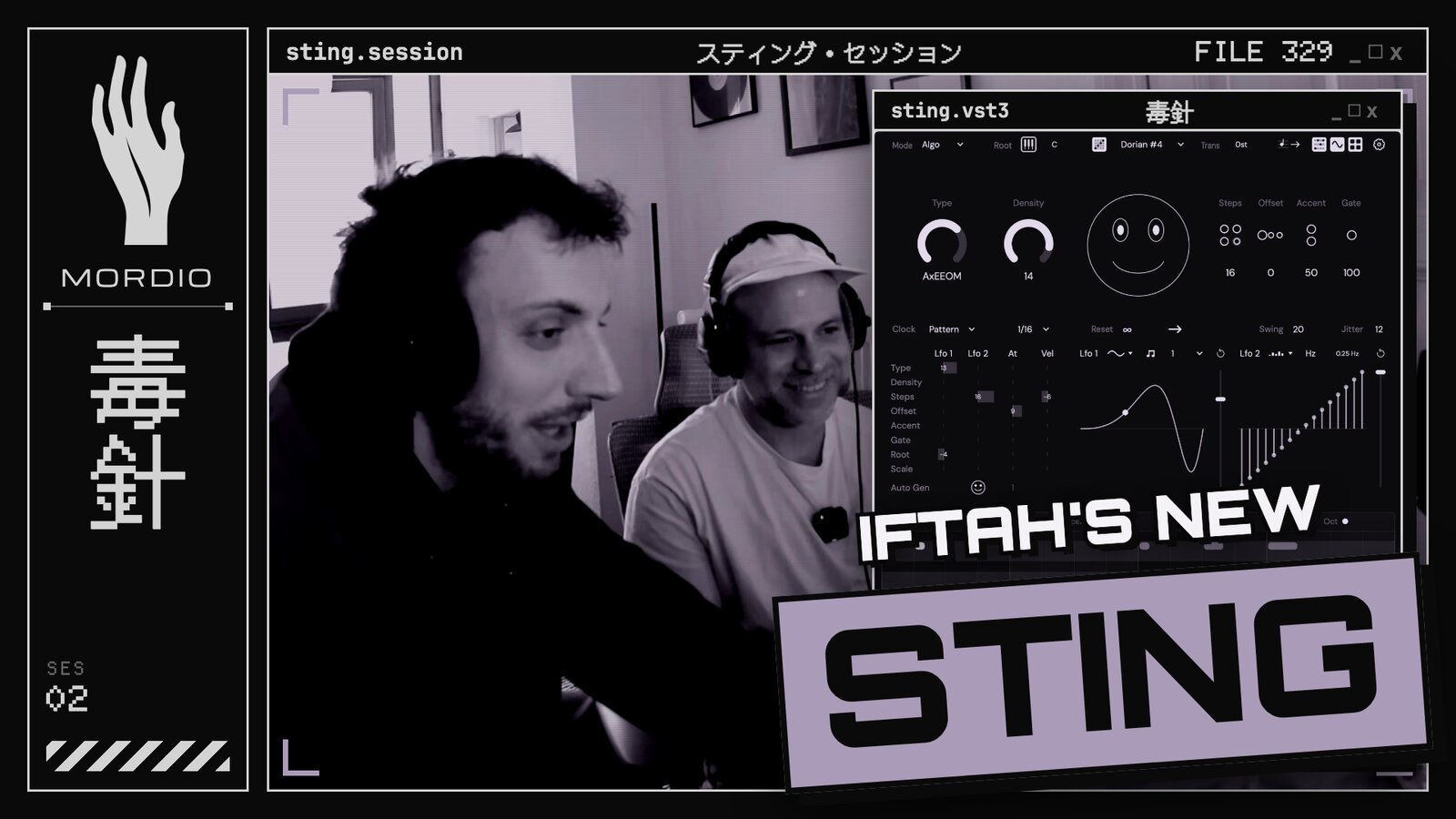
My rule for the day: build a full track using only Sting as the trigger source. He does the sequences, I do the sounds.
Bordering a DAW
The first thing you see is the new layout. The interface scales, the steps moved to a more logical place, and a lot of controls are hidden until you expand them. Iftah's own words: it is "no longer this innocent small acid line generator", it is bordering a digital audio workstation. Keeping it simple on the surface was a conscious choice and, as he said, a lot of work.
The biggest change is that Sting is no longer Ableton only. After 13 or 14 years in Max for Live it now runs in other DAWs too, and in Reaper and Logic it comes with a proper accessibility interface. That was his dream for a long time.
No AI, just math
Iftah made a point I want to repeat here. Everything Sting generates, 14 years ago and today, is algorithmic. No AI, nothing trained on anyone's music. It is statistics and math, so whatever it generates is yours. He also thinks that is why it sounds less generic: it keeps the little bit of randomness that trained models smooth away.
Counterpoint mode
This is the big one. One Sting instance becomes four coherent sequencers: two Sting lines, a chord sequence and a bass line, all built from your MIDI input. Polyphonic input works best. We fed it from Expressive Chords, Iftah's favorite Max for Live device of all time and the one I always put in front of Sting anyway.
Two new macros control it:
- Weight morphs between the two Sting lines. Not as a crossfade but step by step, interleaving them. Send each line to a different synth and one knob decides which voice plays when.
- Harmonic Density trims the density of only the chord and bass parts, so the low end doesn't get crowded.
In Ableton this needs a bit of setup: the IAC driver in Audio MIDI Setup, one MIDI channel per voice, Monitor set to In. Iftah says Ableton is the most annoying DAW to set this up in, and it is worth it. The DAW integration guide on his site walks through seven or eight DAWs.
Slots, modulation and polymeter
Slots store the full state, modulation included. You have eight banks of 16. You hit a happy accident, you save it, you move on, and you can always go back. For live sets this is the feature I will use the most.
The modulation matrix lets you modulate Sting's own parameters. Put an LFO on Weight and the line evolves over four bars. You can also drag a MIDI file onto the little smiley face and Sting uses it as the base for its variations.
Then two tricks that got me. Use LFO 1 as the clock source and its shape control gives you uneven rhythms that still stay locked to the phase. Switch the step sequencer modulator to poly and you get polymeter, or Euclidean patterns if you set it up that way. Right now I'm deep into groove and swing in my techno, and this is a randomization button for exactly that.
The classic way still works
In the plugin version the classic workflow needs two tracks: Sting on one, your instrument on a MIDI track that takes its MIDI from Sting. I did what I always do and committed the line to audio straight away.
Iftah showed me another trick here: take Sting's MIDI output and use it to transpose a drum loop. Basically, send Sting's MIDI into everything.
Hands on the Launchpad
The part I didn't expect. With a Launchpad connected, Sting becomes a hardware instrument. Rows for type, density and step length, a polyphonic chromatic keyboard, pattern chains, copy and paste, and step editing for velocity, gate and octave when you hold a step. Realtime recording only captures what you actually touch, so you can keep layering on top. Two grids and a laptop and you have a small live setup.
What comes next
At the end I asked him for a hardware Sting. He didn't say no. He did say an iOS version is coming before the end of 2026. Sting started almost as a joke and he now calls it his magnum opus, 14 years in. He also said it still deserves a proper tutorial video. I offered.
Links
- Sting and the user manual
- DAW integration guide (PDF)
- All of Iftah's devices
- Iftah on YouTube and Instagram
- Our first session, jamming with Sting, Pyra and Slippery Slope: One Note, Whole System